

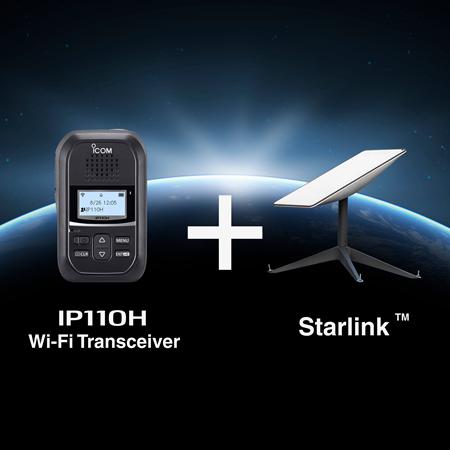
Connecting the Icom IP110H Wi-Fi Handset to Starlink
The Core Connectivity Method
The Icom IP110H Wi-Fi handset connects to your local network (LAN) via standard Wi-Fi access points. The Starlink system acts as the WAN (Wide Area Network) connection, providing the internet link needed to establish communication between the controller and remote handsets on other sites. To achieve this: 1. Connect your Icom Controller (IP1100CV or VE-PG4 RoIP gateway) to the Starlink Router.2. Connect your Wi-Fi Access Points to the local network to establish a local Wi-fi network.
3. The IP110H Wi-Fi Handsets then connect wirelessly to these local Wi-Fi Access Points and route via this Wi-Fi network to the Icom controller unit.
Static IP and Public Network Requirement
The Controller Requirement:The IP1100CV or VE-PG4 requires an internet connection with a static IP address so that remote devices or sites can consistently find and connect to it over the internet. Starlink Considerations:
Some Starlink packages do not provide a true, dedicated static address. In this case you may require to use a VPN (Virtual Private Network) between the Icom controller network and the remote Starlink devices. . Given the critical requirement for a static IP address to ensure reliable, two-way communication and system management, the best technical solution is to use a VPN (Virtual Private Network) service. This secures the connection and prevents unauthorised access to your communication traffic (voice, signalling, etc).